

The Ultimate Testers MagicMirror – Part 2
This post will cover, our planning and all the modules that we are aiming to use to create our Ultimate Testers Magic Mirror.
The following Magic Mirror modules are installed by default, but we are looking to extend our Magic Mirror past these.
Our Magic Mirror Plan
We need to have a plan before get too far ahead of ourselves. So, putting my thoughts on paper, our Magic Mirror will look something like this.

The modules that we will need will include a clock, weather forecast, news feed, Trello feed, Slack feed, a QAForce logo, incoming email, latest twitter feeds and maybe something of a hot topic right now – crypto-currency rates. There are lots of other modules that I would like to include such as current traffic reports, voice control and Google Assistant – but we will have to wait to see where we can squeeze those in along the way.
So, to re-cap, we have our Raspberry Pi, we have completed the MagicMirror installation and we are ready to install our modules.
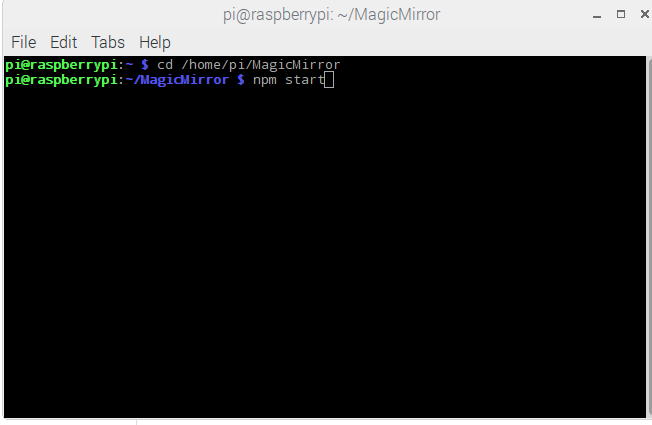
Launching the MagicMirror on the Pi
So far on our MagicMirror, I have added the Clock module, a Weather forecast module, a Crypto-Currency Current Exchange (GBP) module, a Latest Tech News module and of course our QAForce.co.uk logo. I have also moved the positions of the modules round to be sure that they all fit comfortably.

Now that we have the some of our own MagicMirror modules installed, the next post will deal with the additional modules which require more in depth configuration (Trello, Twitter, Email and Salesforce Chatter). We will aim to write up The Ultimate Testers MagicMirror – Part 3 as soon as we can, so be sure to check back every now and then!

A Certified Salesforce Administrator, Salesforce Einstein Analytics and Discovery Consultant, ISTQB® Certified Tester Advanced Level, Jitterbit Foundations and Jitterbit Core Certified QA Test Automation Manager who is also an experienced creative all-rounder with enthusiasm and the proven ability to understand client needs and deliver satisfying solutions. A thirst for new technology and modern Quality Assurance and Testing techniques keeps me aspiring to learn at every opportunity. My current role is at Publicis Sapient who are an official Salesforce Platinum Partner. Publicis Sapient provide Salesforce expertise and strategic thinking that enables organisations to transform their business to Cloud-based technology.